
ChatGPT Business Hub: How to Claim Your Business in ChatGPT (US and Canada)
Short answer: ChatGPT Business Hub is OpenAI's free tool for claiming the listing ChatGPT shows for your business. Sign in to ChatGPT, open Business Hub (or go to chatgpt.com/business-hub), search for your business, pick your listing, and verify that you own it by business phone, business email, a DNS record on your website, or your Shopify store. After that, you pass an ID check, and then you can edit your profile and see how often ChatGPT mentions you.
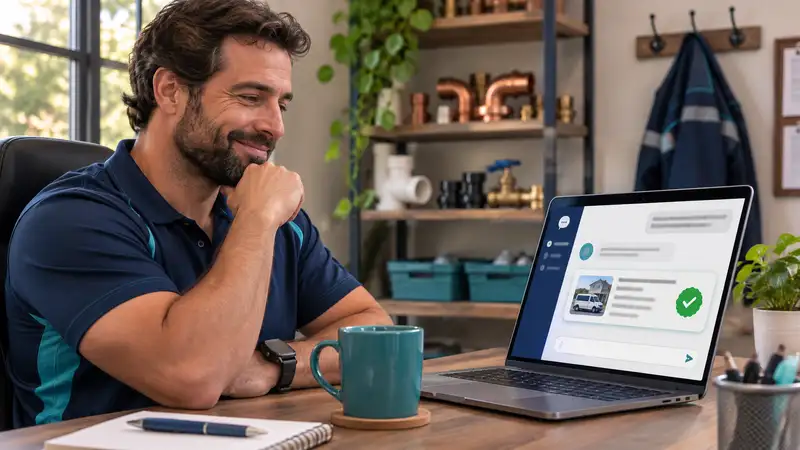
Your customers are already asking ChatGPT things like "who's a good furnace repair company near me?" and "which plumber in Red Deer does emergency calls?" Until recently, you had no say in what it told them. It pulled your details from wherever it could find them, and if your hours or phone number were wrong, there was nobody to tell.
That changed on November 10, 2026, when OpenAI opened Businesses in ChatGPT in beta. For the first time, you can claim your ChatGPT business listing, correct it and see how often you come up. Interest took off fast: in Google Trends, US searches for "chatgpt business hub" over the past 30 days have outpaced searches for "apple business connect," a term that gets about 18,100 searches a month.
Most businesses haven't claimed theirs yet, which is exactly why it's worth doing this week. Here's the whole process in plain English, including the parts that are tripping people up in Canada.
What is ChatGPT Business Hub?
Business Hub is the dashboard where a business owner claims and manages their business profile in ChatGPT. Think of it as ChatGPT's version of a Google Business Profile, though it's newer and does less.
Once your claim is approved, OpenAI's Business Hub setup guide says you can manage:
- Your profile: website, description, business category, logo, cover photo, and delivery and return policies.
- A product feed (for stores): a CSV file or hosted link with prices and stock.
- Legal details: legal name, trade name, registered address and registration or tax number.
- Insights: how often ChatGPT mentioned you, website clicks, and the topics you came up for.
Your details can appear in a business listing or inside a regular ChatGPT answer. OpenAI reviews every profile change before it goes live, and approved, ID-verified businesses get a blue check.
Should a local business claim its ChatGPT listing?
Yes, if you can. US businesses and online businesses anywhere can claim now, and Canadian local businesses may hit a waitlist first (see the Canada section below). It takes about 15 minutes plus some waiting, and OpenAI hasn't listed a price. Just go in with realistic expectations. OpenAI says plainly that claiming doesn't guarantee higher placement in ChatGPT's answers, and that ads don't influence its independent recommendations.
So why bother? Three reasons:
- You control the facts. ChatGPT will still describe your business whether you claim it or not. Claiming is how you make sure it has the right website, services and details.
- You finally get data. Business Hub is the first official way to see whether ChatGPT is mentioning you at all.
- You protect the listing. If a former employee, an old agency or a competitor claims it first, you'll have to dispute ownership to get it back.
Claiming won't rank you, though. ChatGPT still decides who to recommend based on what the rest of the web says about you: reviews, directory listings, local news, Reddit threads and your own website. Our guide to ChatGPT SEO for HVAC and plumbing companies covers that side.
What you'll need before you start
- A ChatGPT account the company owns. Use a shared company login or the owner's account, not a staff member's personal account. If that person leaves, the listing shouldn't leave with them.
- Access to one verification method: the phone number on your listing, an email at your business domain, your domain's DNS settings, or your Shopify admin.
- Government-issued ID for the person claiming. OpenAI uses Persona for the identity check.
- Business documents that match your listing, such as your registration, business licence or tax number. Your legal name and address need to match official records exactly.
How to add your business to ChatGPT, step by step
- Sign in to ChatGPT with the company account, then click Business Hub in the sidebar. You can also go straight to chatgpt.com/business-hub.
- Search for your business by name and pick the right listing. Check the address and phone number carefully, especially if your name is common.
- Confirm the account that will manage the listing.
- Choose a verification method. Which ones you're offered depends on your listing (see the table below).
- Enter the code or finish the check. For phone and email you'll get a code. For DNS you add a TXT record (a short line of text your web person adds wherever your domain is hosted) and click Verify domain.
- Wait for OpenAI's email. Claims are reviewed and OpenAI doesn't give a timeline. Don't start a second claim while the first is pending.
- Finish identity verification through Persona from the Business tab. You need this before you can publish changes, view insights or connect a product feed.
Which verification method should you choose?
| Method | Best for | Watch out for |
|---|---|---|
| Business phone (text or automated call) | Most trades and local businesses | The code goes to the number on your listing. If calls go to an answering service or call tracking number, you may never see it. |
| Business email | Businesses with email at their own domain | A Gmail or Hotmail address won't prove you own the business. |
| Website domain (DNS TXT record) | Anyone who can log in to their domain registrar or web host | DNS changes can take a few hours to show up. Leave the record in place until you're approved. |
| Shopify store | Online stores on Shopify | Start from the ChatGPT app in your Shopify admin or Connect Shopify in Business Hub. |
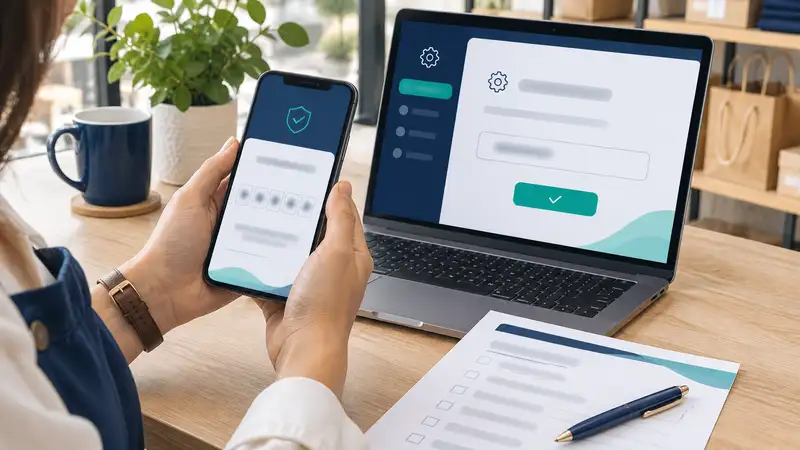
One safety note: OpenAI will never ask for your verification code, including through support. If someone calls or emails asking for it, that's a scam.
Can Canadian businesses claim a ChatGPT listing?
Sometimes, and the rules are still moving. OpenAI says claiming is available "where ChatGPT is offered" but hasn't published a list of countries. Its help page also says local stores and restaurants can currently claim only an existing US listing. A November 19 update opened claiming to online businesses based outside the US.
Real results in Canada have been mixed. A Vancouver agency documented its own claim. It hit a waitlist screen first, then a few days later went straight to ID verification and claimed its existing listing anyway.
Our advice for Canadian businesses:
- Try now anyway. If you get the waitlist screen, you're in line, and nothing is lost.
- Get your paperwork lined up. Have your provincial registration, CRA business number and municipal licence ready, with the exact legal name and address on your listing.
- Don't create a new listing to get around the waitlist. A duplicate listing causes the same problems here that it does on Google.
What to fill in once you're verified
Treat your ChatGPT profile like a short, factual version of your Google Business Profile. It isn't the place for advertising copy.
- Description: two or three plain sentences on what you do, where and for whom. For example: "Licensed residential plumbing and drain cleaning in Calgary and Airdrie. 24/7 emergency service. Family owned since 2009." Name your real services and towns.
- Category: pick the closest match to your main Google Business Profile category so the two listings agree.
- Website: link to your homepage or your most relevant service page, not a landing page that changes every month.
- Legal details: copy them exactly from your registration. Mismatches are the most common reason ID checks fail.
- Logo and cover photo: use the same logo as everywhere else, and a real photo of your crew, trucks or storefront for the cover.
Every change goes through OpenAI's review, so updates can take time to appear. Make your edits in one sitting rather than a little each day.
What the insights dashboard shows (and what it doesn't)
| You can see | You can't see |
|---|---|
| Mentions over the past 28 days. For local businesses, a mention is a result shown for your location. | The actual questions people asked or the conversations they had. |
| Website clicks from ChatGPT to your site. | Which competitors showed up next to you. |
| Discovery topics: common themes in answers that mention you. | Your position or "rank" in an answer. |
A blank chart doesn't necessarily mean zero. OpenAI hides numbers below a minimum threshold and while data is still collecting. To see which prompts you actually show up for, you still need to test them yourself. We'll cover a free way to do that in an upcoming post.
Common problems and how to fix them
- Your business isn't in the search results. Eligible online businesses may see an option to add one. Local businesses currently need an existing listing. Get your Google, Bing and Apple listings right, because AI assistants build their picture of you from sources like these.
- The listing says "Dispute ownership." Someone else has claimed it. Use the dispute option and don't create a second listing.
- The phone code never arrives. Pick another method. If phone is the only option you're offered, contact OpenAI support before you request more codes.
- Persona verification failed. Check that the name on your ID and the business details match your registration exactly, then click Try again.
- You have several locations. Each location is claimed separately. They aren't claimed automatically with the first one.
- An agency is helping you. Each person needs their own ChatGPT account. The owner claims the listing and then adds teammates. Don't forward your personal invite.
Also note that support can't delete or hide a published profile, only drafts. Get the details right before you publish.
Business Hub is one listing out of several
ChatGPT "may also use other sources" for business information, and OpenAI hasn't said which ones. An independent study of ChatGPT's retrieval published in mid-2026 found its local answers drawing on sources such as Yelp, TripAdvisor and Google Maps. Other AI assistants work from their own maps and search data. That's why we treat the ChatGPT listing as one part of a set:
- Google Business Profile: still the foundation. If yours has been suspended, start with why Google Business Profiles get suspended.
- Bing Places for Business: feeds Bing search and Bing Maps, which Microsoft's Copilot searches, and you can import it from Google in minutes. Our Bing Places setup guide walks through it.
- Apple Business (formerly Apple Business Connect): controls your place card in Apple Maps, Safari, Spotlight and Siri. See our Apple Business guide.
- Yelp and your main industry directories: they're free to claim and show up as sources in AI answers.
- ChatGPT Business Hub: the new one, covered in this guide.
When all of them show the same name, address, phone, hours and services, every assistant gets the same answer no matter where it looks.
Is ChatGPT Business Hub free?
OpenAI hasn't published a price for claiming a listing, and agencies that have been through it report no charge. You don't need a paid ChatGPT plan, an ads account or an Enterprise agreement. Sponsored placement and ChatGPT Ads are separate, optional products.
Does claiming my business help it rank in ChatGPT?
Not directly. OpenAI says claiming doesn't guarantee more visibility. It keeps your details accurate and lets you measure mentions, while recommendations still come from your reviews, listings, website and what other sites say about you.
How long does ChatGPT business verification take?
OpenAI doesn't give a timeline and says review times vary. Phone and email codes arrive within minutes, and DNS changes can take a few hours to be seen. The ownership review and ID check that follow have taken from a few days to more than a week in reports from agencies that have been through it.
Want it done right the first time? Yeti Digital Services claims and sets up ChatGPT Business Hub, Bing Places and Apple Business listings for contractors and local businesses in Canada and the US. We'll make sure every one of them matches your Google Business Profile exactly.
Book a free AI visibility check or see our Google Business Profile service.
Last updated November 28, 2026. Steps and eligibility checked against OpenAI's Business Hub help page on November 28, 2026. Business Hub is in beta and OpenAI is changing it quickly, so check the linked help page before you start. Search trend data from Google Trends via DataForSEO.